Analyze customer feedback with AI
Turn a column of customer reviews into sentiment labels, extract the issue behind a low rating, or draft a reply for a support agent. Read each suggested reply alongside the review that prompted it.
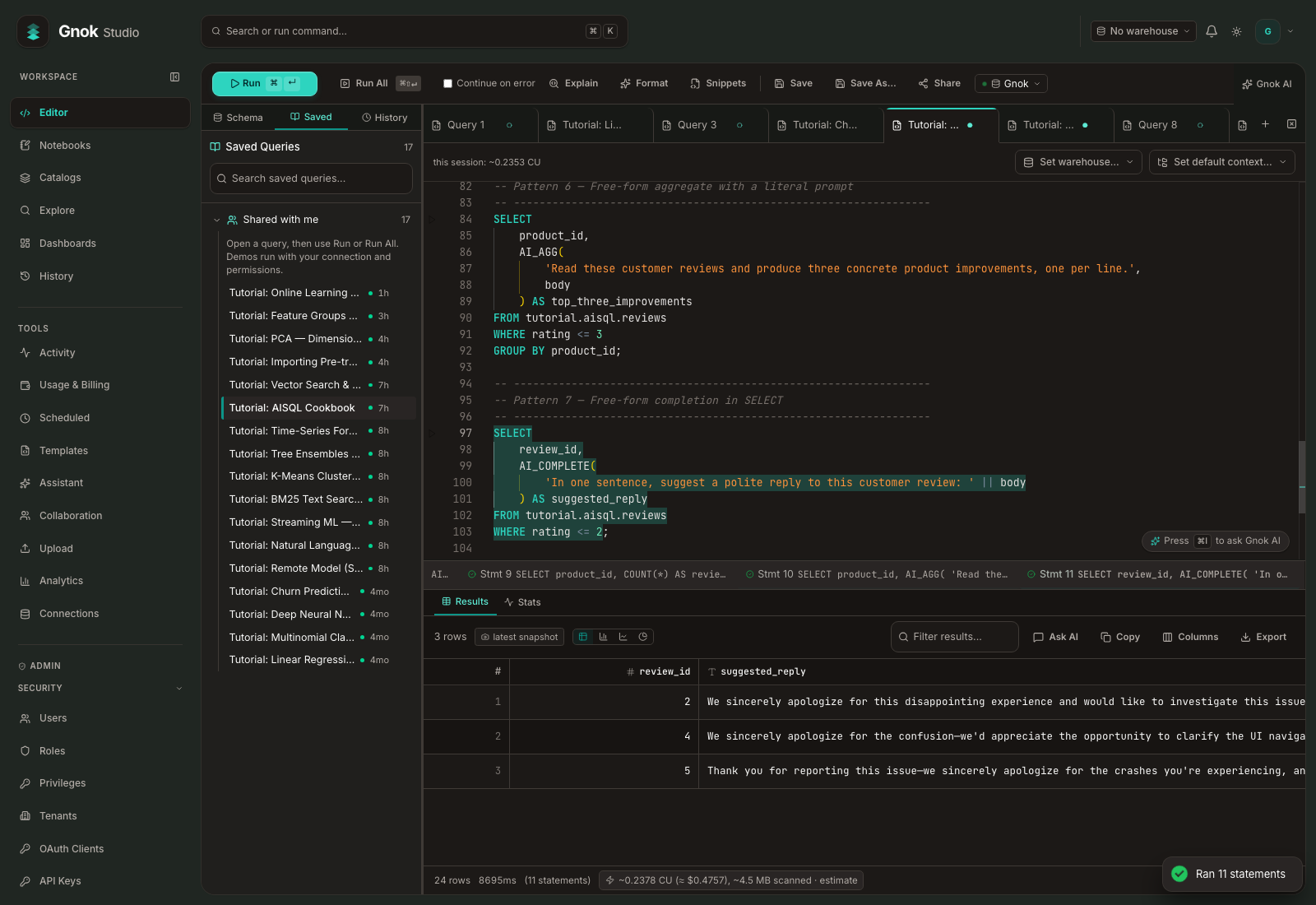
Classify and summarize reviews
Give the classifier a list of labels. In the recorded six-review example, “Battery dies after 2 hours. Very disappointed.” received the label negative. An analyst can group those reviews by product and summarize the issues customers actually mentioned.
SELECT review_id, body,
       AI_CLASSIFY_TEXT(body, ARRAY['positive', 'negative', 'neutral', 'mixed']) AS sentiment
FROM tutorial.aisql.reviews;
A workspace administrator approves the provider, operations and token budget before these AI functions can run. Run the review cookbook
Ask a follow-up in English
Choose the catalog and schema for your sales data. Ask which products earned the most revenue, then ask for a breakdown by region. Gnok carries the first question into the follow-up and shows the query behind each answer.
Match customer records across sources
A customer join can fail when one source capitalizes an email address and another adds trailing spaces. Register a WebAssembly function with a text input and output, test it with a sample address, and call the same function on both join keys.
SELECT normalize_email(' BILLING@EXAMPLE.INVALID ') AS normalized_email;The example function returns billing@example.invalid. Write and register a WebAssembly function
Rank results within each region
Sum each customer’s orders, rank customers inside their region with a window function, and keep the top three with QUALIFY. Ranking customers within each region keeps a high-volume region from crowding smaller regions out of the report.
Reproduce a past report
When late orders change the totals, query the Iceberg table at the report’s cutoff time. Record the snapshot ID alongside a published report so another analyst can read the same retained version and investigate the difference.